Printing / readable copies
Print a WhatsApp conversation with photos
Make a PDF from the export, inspect the pages and print from your own PDF viewer. A searchable document is easier to review than a long collection of screenshots.
Reviewed · Threadkeep
Step by step
Export with media
Use WhatsApp's export action and select its media option. Keep the original transcript and attachments together. Check that the photos you want are present, not only named in the text.
Review the local preview
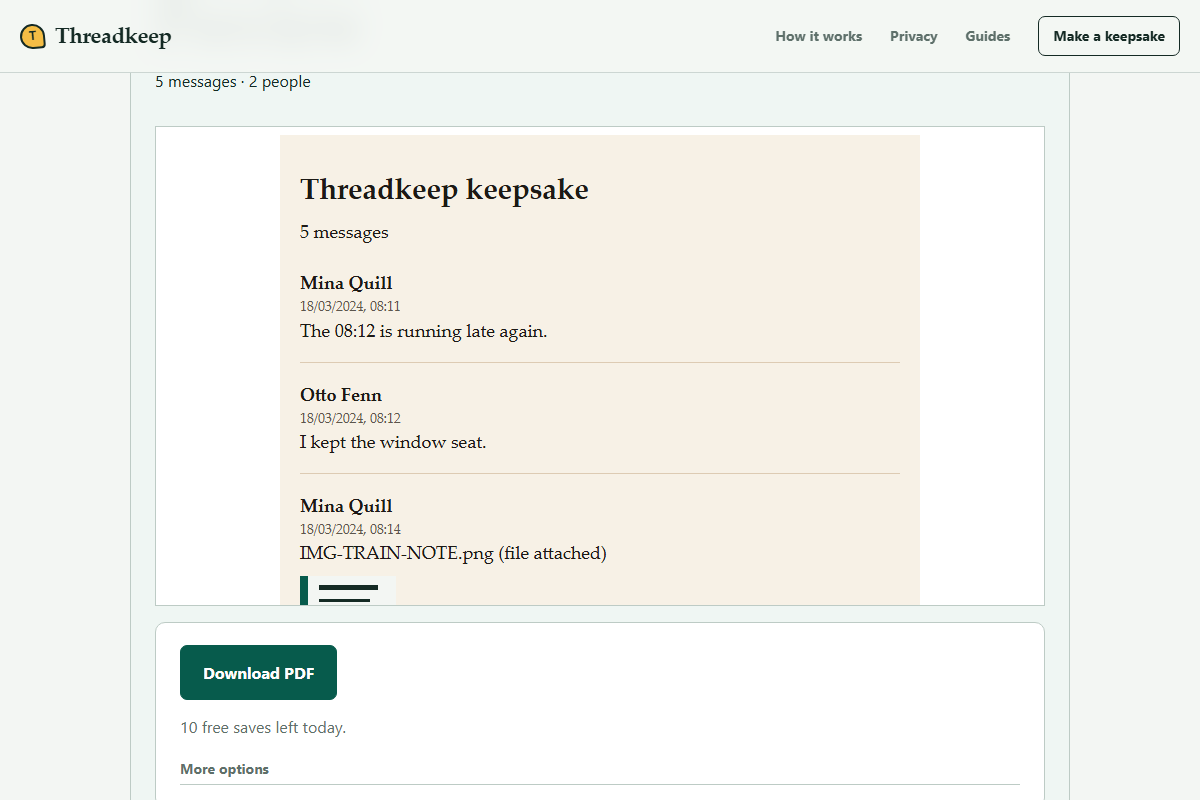
Choose the export in Threadkeep and inspect messages, names, dates and missing-media warnings. If you want a shorter keepsake, use the date-range choices under More options and review the resulting selection.
Save a PDF
Choose Download PDF. Open the saved document separately rather than judging it only from the web preview. Check the first page, a page with a photo and the final page.
Use your PDF viewer's print preview
Choose your printer, paper size and the viewer's page-fitting setting. Inspect margins and orientation. Print one representative page before committing to the whole document.
Keep both digital files
Save the source export and the PDF separately. A printed copy is convenient to read but does not preserve every attachment or replace a digital backup.
Make the readable copy first
Screenshots can preserve a small visual detail, but a long sequence is awkward to paginate, search and keep in order. A transcript-based PDF is a different kind of copy: it arranges the text found in the export, rather than reproducing the WhatsApp interface. Keep screenshots separately if the appearance of the original screen matters to you.
The PDF uses supported matched photos. If a photo is absent from the source archive, conversion cannot recreate it from an attachment marker. If the photo exists but is unmatched, investigate its filename and the original package before printing a copy with unexplained gaps.
Decide which conversation to print
A keepsake may only need a specific date range. A complete archival reading copy may need every message available in the export. These are different choices, so make the selection intentionally and verify it in the preview. The finished PDF should not be mistaken for an unfiltered source if you narrowed it.
Read a page that contains several senders, a long message and a photograph. Check that sender labels remain understandable without color, that the message is not truncated and that the photograph belongs to the surrounding conversation. Print a test page if the document is important to you.
Review printer settings separately
The PDF viewer and printer driver determine paper handling. Look at print preview for clipped edges, unexpected scaling and blank pages. A setting such as Fit can help with margins, but it changes the printed scale. Choose readable text over forcing too much conversation onto one sheet.
Double-sided printing and color settings are printer options, not Threadkeep features. Confirm the page order and binding edge with a short test. If you are sending the PDF to a print shop, remember that you are sharing a private conversation with that provider.
Keep an archive after printing
Store the PDF where you can open it again, and keep the untouched export with its other attachments. Paper cannot preserve searchable text, every media file or the ability to make a different reading copy later. A second secure digital copy protects against losing the only printout.
Threadkeep's PDF generation has resource limits. Very long histories or many images may need a narrower reading selection. Keep the full source even when the printable selection is short, and review the troubleshooting guide before retrying a large package.
Questions
Can a printed conversation include voice notes or videos?
Paper cannot play an audio or video attachment. Keep those files separately in the original export. Do not assume a photo beside a message represents every attachment associated with it.
Does Threadkeep provide a book-printing service?
No. It creates a PDF and an optional offline HTML archive. Printing settings, print quality, paper and any third-party printing service are your choices.