Preservation / source copies
Save important WhatsApp chats before deleting an account
Preserve and verify the conversations you need while you can still open them. A readable PDF helps you review the export, but it is not a WhatsApp restore backup.
Reviewed · Threadkeep
Step by step
List what you need to preserve
Identify the conversations, dates and attachments that matter. Decide whether you need a readable copy, continued access in WhatsApp or both. A PDF only addresses the readable-copy part.
Export each conversation
Use WhatsApp's chat export action while the conversation remains accessible. Include media when appropriate and save the actual source files. Do not treat a screenshot of the share sheet as the saved archive.
Make an untouched second copy
Store the original transcript and attachments in another location you can access. Check whether that location syncs to a cloud service and whether its privacy is suitable for the conversation.
Make and inspect the reading copy
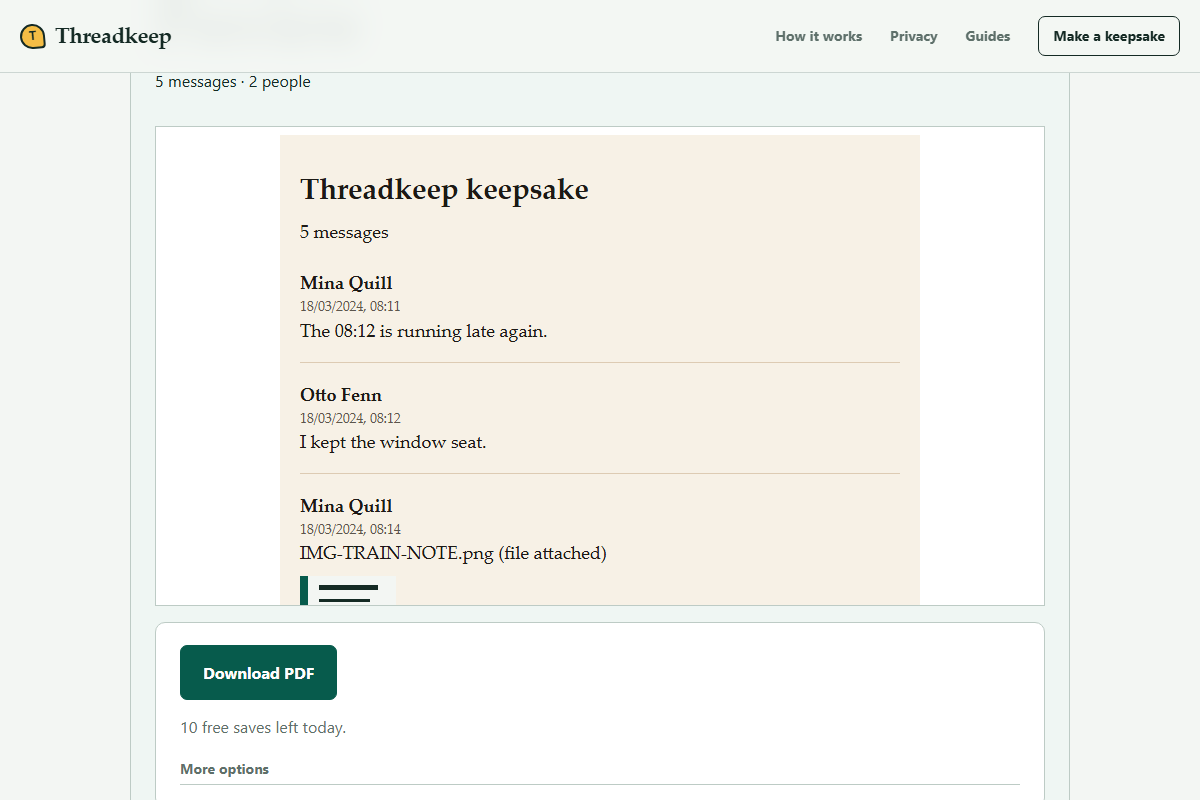
Choose the export in Threadkeep, review the oldest and newest dates and inspect photo warnings. Download the PDF and open it independently. Keep the export even if the PDF looks complete.
Resolve gaps before changing the account
Compare the files with the conversation while you can still access it. If important history is missing, stop and investigate WhatsApp's current export and backup options. Do not assume another converter can recover omitted messages.
Separate preservation from account decisions
Deleting an account, replacing a phone and removing the app are different actions. A guide about a readable archive cannot tell you that any of those actions will leave your chat history recoverable. Confirm the consequences directly with WhatsApp's current documentation before proceeding.
Start with preservation because it lets you verify the result while the source conversation is still available. If a meaningful message or attachment is missing from the export, discovering the gap after losing access makes the problem harder. There is no benefit in rushing the account decision to finish a PDF.
Keep originals you can recognize later
Keep the transcript, the original archive and attachments together. A directory name can identify the export date without changing the filenames inside it. Note which conversation the package came from and whether media was included. Make a second copy before experimenting with extraction or conversion.
Open at least one stored copy to confirm that you saved the file rather than a shortcut to an expiring sharing link. If your archive lives only on the phone you intend to replace, move another verified copy to a separate location before relying on it.
Compare the source with the reading copy
Check several reference points: an early exchange, a recent exchange, an attachment and an important date. Verify that participant labels and chronological order make sense. A file that opens successfully can still be a partial export, so inspect coverage rather than only whether the download works.
If you filtered a date range or participant in Threadkeep, the PDF is a selected view. Keep that choice understandable to your future self and preserve the full original export. The optional HTML archive is another readable copy; it also does not restore a WhatsApp account.
When the archive matters to someone else
Private messages involve other participants. Consider their expectations before sharing a keepsake or moving it into a publicly accessible folder. Local conversion protects the conversion stage from chat upload; it does not control the permissions of the folder where you save the output.
For records needed in a dispute or formal process, keep the device and original files and ask a qualified adviser about preservation requirements. Threadkeep does not certify that the export is complete or authentic.
Questions
Can I restore my WhatsApp account from the PDF?
No. The PDF is a document for reading, not a WhatsApp database or restore backup. Use WhatsApp's supported backup or transfer flow if continuing in the app is your goal.
Will exporting one chat preserve every conversation?
No. This workflow uses individual conversation exports. Review each chat you want to preserve, and do not infer full account coverage from one successful PDF.